The average person uses CAPS LOCK a lot more than those function keys at the top, or the scroll lock or pause/break key or the insert key.
I use it when typing addresses for shipping labels or sometimes the column names for excel spreadsheets or serial keys or case sensetive captchas. I know it's not much but it's still a lot more than the function keys, pause/break, insert, or scroll lock.
I've never in my life used F1-F3 and F5-F11. (alt+F4 closes windows and F12 is for full screen, those I use).
Perhaps Capslock and Backspace should be switched?
The USPS still recommends addresses be entered in upper case: "We recommend that you write addresses in all uppercase letters." [1]
This apparently used to be a bigger deal back when the USPS relied on OCR more heavily for bulk mail delivery, but barcodes have become the method of choice.[2]
Uppercase characters are usually more reliably unambiguous when writing by hand.
With printed words, lowercase words are more legible because of the words' distinct shapes.
It seems that uppercase is just carryover from hand printing. I work with technical drawings and labels are uppercase for no reason whatsoever, and it's fatiguing to read.
Oh really? So e-commerce (which uses snail mail) is irrelevant? So the millions of products that are sold online from all over the internet just... magically teleport to their destination huh?
Of course it does. Any draftsman worth his salt will tell you that many standards dictate all drawing text to be in caps - in fact, I cannot think of any proper design drawing that does not use full caps. Even drafting calligraphy used on hand drawn design drawings uses a very specific writing style that is all-caps.
Why would you permanently hold down shift for that? You have to type:
- general notes
- welding notes
- the bill of materials
- title block text, names, etc.
- dimension / tolerance info
- much more
all in capitals. There's simply no reason not to use caps lock.
On this point, it's also useful to note that the shift key allows the user to shift capslock off temporarily. This is the use case of all draftsmen I know, as the only time lowercase is used on drawings is for some dimensions (eg: the unit for millimetres is 'mm' in lower case).
So that functionality as part of capslock is necessary too.
In fact, I think this is a good example of needing to fully understand all use cases of a particular feature before making judgements on its usefulness. An integral part of working on a system is fully understanding the needs of all of the users, needs that may not have been intended during the primary design of the system.
I know I've fallen in to this trap before, where I've proposed a design change to a system and had a prototype manufactured only to have the workshop floor staff immediately explain why it's useless, because it cannot reproduce some unintended but now-important function of the original design.
Conversely, it's also good to look at unintended uses of previous designs. I've used equipment for functions it was never designed to do, but nevertheless proved to be a simple and effective solution.
the shift key allows the user to shift capslock off temporarily. This is the use case of all draftsmen I know, as the only time lowercase is used on drawings is for some dimensions (eg: the unit for millimetres is 'mm' in lower case). So that functionality as part of capslock is necessary too.
Finally, a concrete use case for this behavior. Thank you!
P.S. I wish we had more of these, and/or in a more discoverable form. It all works a lot better for me -- including remembering things -- when I know the reason(s).
Things often go down better, with a bit of context.
On Linux it's possible to simultaneously map caps lock to both escape and control with xcape [1]. On short presses without any other keys depressed, escape is fired. On press-and-hold with other keys, control is fired. This is great for vim, emacs, and any other application with control shortcuts.
This! For the same functionality on OS X, I use KeyRemap4MacBook (terrible name, great program).
Edit: sbader beat me to it. His link is where I originally got the idea, and is definitely worth a read--to some extent I think a lot of it is very thorough yak shaving, but... sometimes it's fun to shave some yaks!
WTF. I had no idea it did that, and so I would press the key a bunch of times in a row until it "took". Sometimes 20 or 30 times. Drove me nuts, I just thought my keyboard was intermittently broken. grrrrrrr
> I can’t think of a single time when I’ve ever wanted to use it
That's because you know how to type. Watch your parents or someone that doesn't type often use a keyboard, you'll notice they only ever use one finger at a time; you can't use one finger at a time with SHIFT. Caps lock doesn't make sense for someone that can type well but makes perfect sense for people that can't. oh and also people with one hand.
For those people, we have sticky keys. On some OSs you can activate it by mashing a modifier key a bunch of times. Sticky keys solve the problem in a much better way than caps lock: you can make the key lock or you can apply it just to the next stroke, and you can use it for control / alt / command as well.
I get your argument about a person with one hand, but anyone who types with one finger can easily (and usually does) use their other index finger to hold shift.
Learn how to use a frogpad, I use that when I was doing a lot of 3d modeling. One hand had access to the entire keyboard, the other hand never left the mouse.
For what it's worth, as someone who used to type with one finger, (And still does on occasion.) you have an entire other hand to press shift with barring a missing hand.
My personal remap of caps lock is backspace. The usual one, which I hit a lot (y'know, we type, we make mistakes), cranks my wrist, whereas the capslock key, which lives on the home row, is zero stress.
I had tried this and though in certain scenarios it was very convenient, it was actually nuisance at other times i.e. I started to use it as my primary control key and then I started missing R and L controls. I was learning touch typing(still am :( ) at that time so I mapped it to "No Action" in the end.
Guess someday I will map it to something crazy for fun, it's useless anyway :-)
To enable caps lock on the iPhone (which only has one shift), use the 'Enable caps lock' option in Settings/General/Keyboard. Then you can double-tap shift to turn on caps lock.
I basically never use CL on a regular PC, since it's easier to just hold shift while you type the word most of the time. On an iPhone though, it's actually pretty useful at times.
I've mapped caps lock to control on my keyboard but I like to use caps lock when I'm typing on a phone. For acronyms and such it is useful and the inability to hold shift on an iphone makes caps lock a better option. However, on a keyboard when it is trivial to hold shift, it is useless.
In OSX, instead of setting caps lock to "no action", I set it to be another control key. I have never been able to hit the pathetic little excuse for a control key on Mac keyboards without also tapping fn or option.
I do the same thing. This is a lifesaver for using Screen, which was frustrating as a longtime PC/Linux user - the crtl+a escape sequence becomes even easier to hit.
Unlike most keyboards which have the ctrl key on the bottom left corner, MacBook Pro keyboards for some reason have the useless fn button at that location, and the ctrl key to the right of that. This makes text navigation with the emacs keybindings (eg, "ctrl+n" and "ctrl+p") even more awkward than it usually is, given that touch typing requires you to stay close to home row.
The solution to both this problem and the uselessness of the caps lock key is just to set the caps lock key to act as ctrl.
As an engineer, there are a lot of technical documents and drawings that often require 100% caps. I wouldn't be able to do my job without Caps.
There are also a variety of applications and situations that I have used it, as simply a home user as well.
Not including being spammy or 'shouting' it
Once you get past the 'Someone is yelling' in all CAPS. Most of the time ALL CAPITALS IS EASIER to read for many people. It prints more legible.
Studies have shown that all caps text is significantly harder to read by the vast majority of the population. Engineering and drafting documents that have an all upper case convention should change their convention. It's a hold-over that's been going on too long.
People using Windows (I don't know about Linux) think that Caps lock is Shift lock. Wrong. It's Caps lock. And that's pretty useful.
On OSX French keyboard, Shift-é would give 2, Caps-lock+é gives É. That key gives straight and easy access to uppercase diacriticals: é-É, è-È, à-À, etc. And when "UNTEL ACCUSE" means "some guy accuses", "UNTEL ACCUSÉ" means "some guy accused". It's pretty important.
I have to say, replacing the caps lock with a "search" (super) key is one of the best design decisions on my chromebook. It automatically brings up my Gnome3 app menu/search, which I used to have Gnome-Do for.
Needless to say, the "search" key is the first one pressed every time I boot up.
I have my Caps Lock mapped to Control on OS X (10.6.8). Since the last update, the mapping disappears randomly. I googled and there're other people with the same problem, but no solution yet.
Figured I'd ask here if anyone found out how to fix it.
What would be an alternative to the caps lock key? When I type final and/or static variables that are more than a few characters I don't want to be holding shift the whole time like a neanderthal.
On most editors, I can type, then select ( opt-shift-rt-arrow) the word and apply a case change - it's often faster than remembering to use the capslock and then remembering to unlock afterwards.
Also doing the double-shift = capslock can be useful if you're not double-shifting often (ie, gaming).


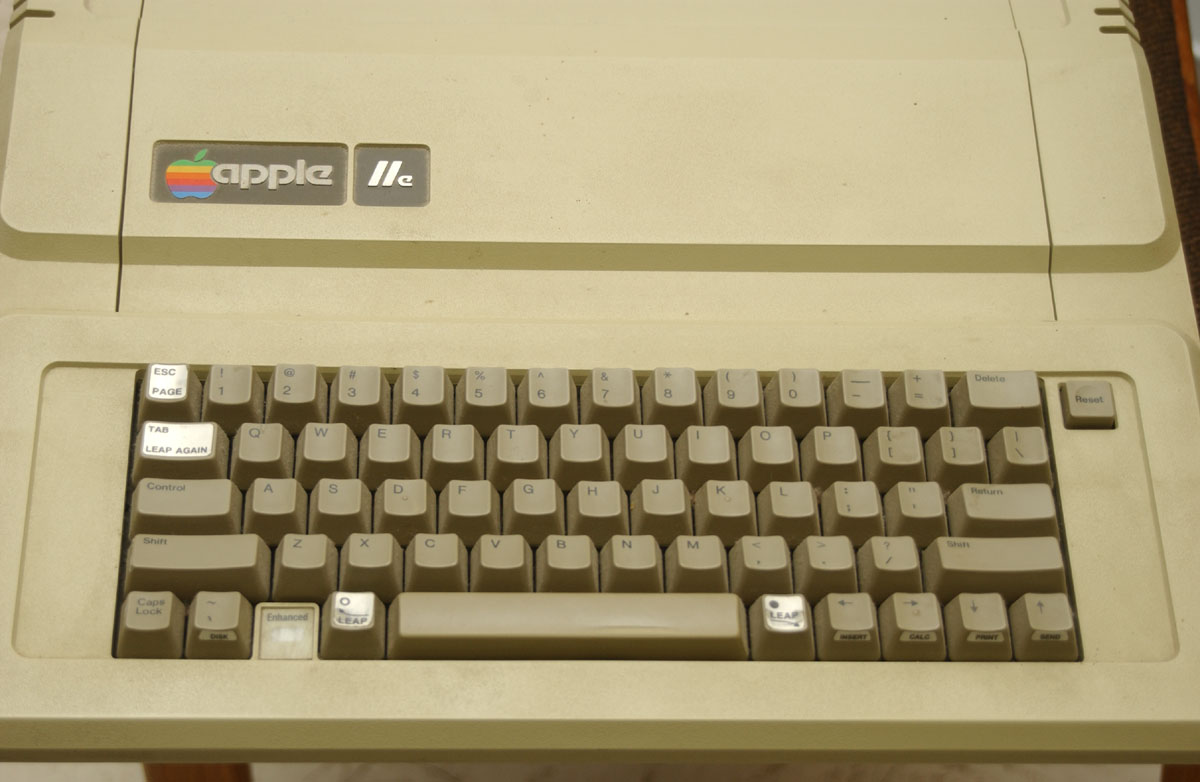
The average person uses CAPS LOCK a lot more than those function keys at the top, or the scroll lock or pause/break key or the insert key.
I use it when typing addresses for shipping labels or sometimes the column names for excel spreadsheets or serial keys or case sensetive captchas. I know it's not much but it's still a lot more than the function keys, pause/break, insert, or scroll lock.
I've never in my life used F1-F3 and F5-F11. (alt+F4 closes windows and F12 is for full screen, those I use).
Perhaps Capslock and Backspace should be switched?